
Dev mode is a development security provider that allows you to evaluate Management Center without needing credentials for logging in or using the REST API.
Once you have enabled dev mode, you are automatically logged into Management Center as an admin user without needing to supply any credentials.
Set up dev mode
To set up dev mode, you can use the UI or the hz-mc conf tool.
To set up dev mode in the UI, click Enable Dev Mode when Management Center starts.
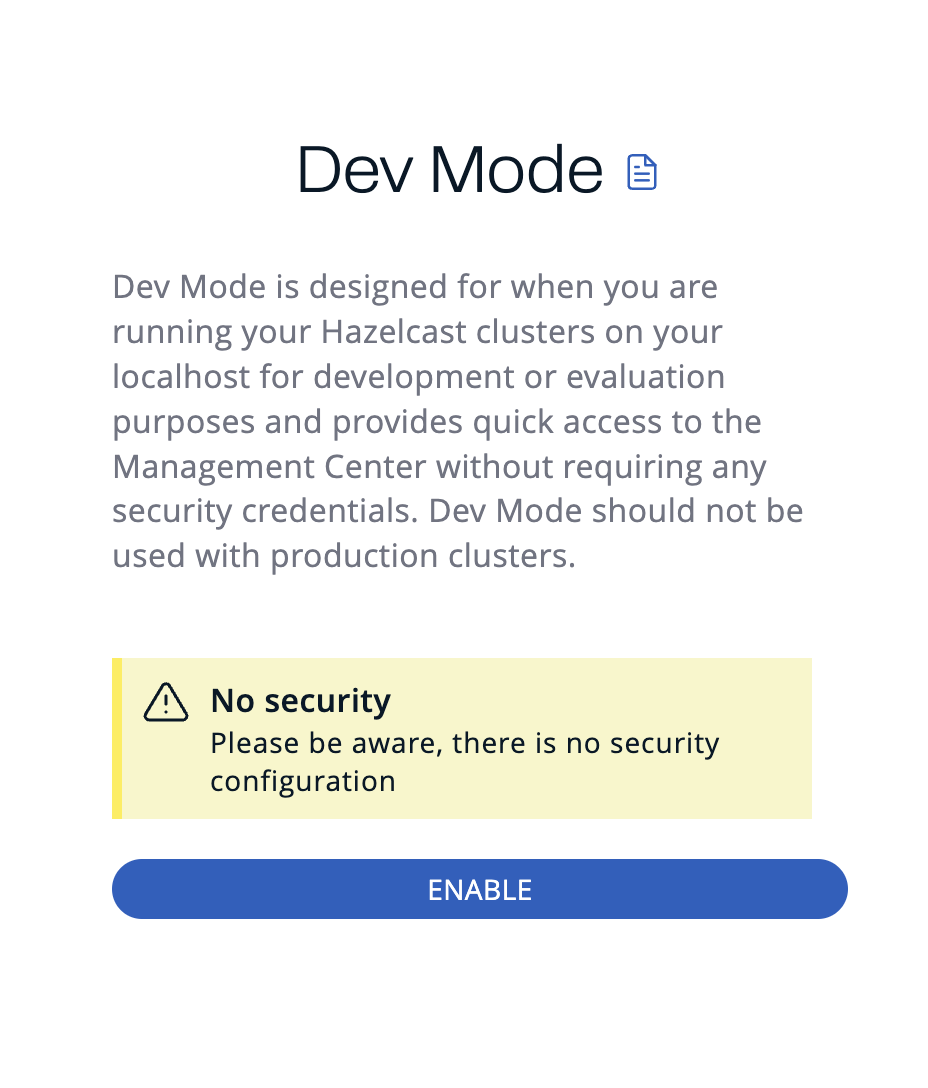
To set up dev mode with hz-mc conf, use the following command.
You can use this task for various scripting purposes, and automatically configuring Management Center, without using the UI.
hz-mc conf dev-mode configuremc-conf.bat dev-mode configureUsing --force to configure dev mode
Use the -f / --force flag with dev-mode configure to make configuration idempotent:
-
If dev mode is not yet configured, it is set up.
-
If dev mode is already configured, the command succeeds without making any changes.
-
If a different security provider is currently active, the command fails with an error even when
--forceis used.
Next steps
For details about the hz-mc conf tool, see Management Center Configuration Tool.