Hazelcast Platform overview
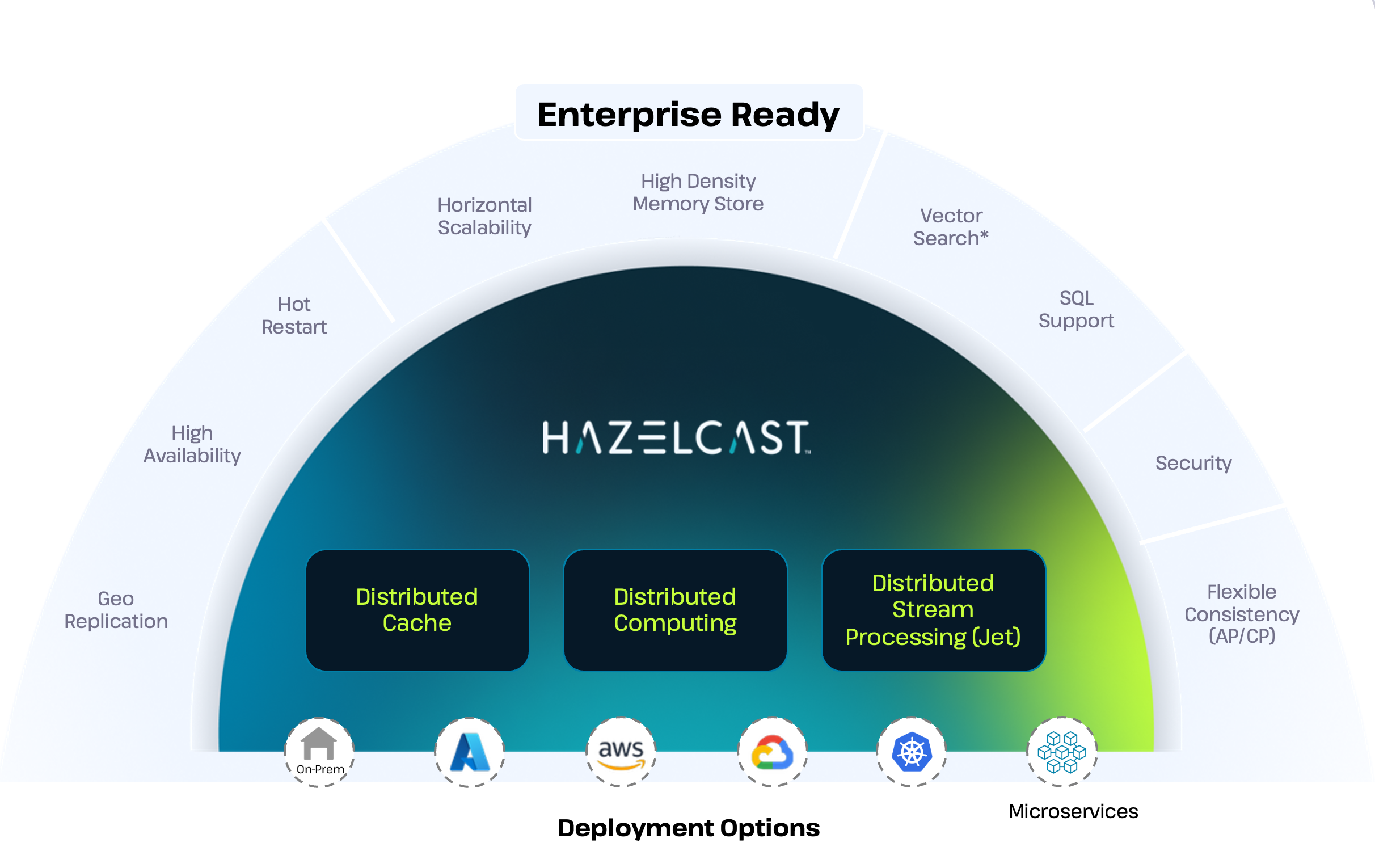
Welcome to the documentation for Hazelcast Platform, the leading in-memory data grid and compute platform for building real-time applications.
Hazelcast Platform combines a fast data store and powerful stream processing into a single platform, eliminating latency moving data between databases and processing.
Hazelcast offers Enterprise Edition and Community Edition versions of Hazelcast Platform with a range of deployment options, including Docker and Kubernetes. You can get started with either version by following the quickstarts below.
Hazelcast Enterprise Edition is a licensed product that extends the Community Edition to provide many additional features and benefits for production environments, including regular patch releases and a support subscription.
Hazelcast is implemented in Java (with choice of embedded or client/server mode) and has clients for Java, C++, .NET, REST, Python, Go and Node.js. Hazelcast also speaks Memcache and REST protocols.
Get started
The best way to get started and understand Hazelcast is to dive in and create a Hello World application.
- Get started with Community Edition
- Get started with Enterprise Edition
- What is Hazelcast Platform?
- Enterprise Edition vs. Community Edition
- Get started with clients
Install and upgrade
If you're looking for more detailed information on what's new and how to install or upgrade existing Hazelcast deployments, check out the sections below.
- What's new
- Release Notes
- Install Enterprise Edition
- Install Community Edition
- Deploy in cloud environments
Deploy and build
Find out how Hazelcast works under the hood, and learn how to deploy and build applications with Hazelcast.
Operate and manage
Discover how to operate and manage your Hazelcast clusters effectively.
Integrate
Learn how to integrate Hazelcast with various frameworks and tools.
Tools
Hazelcast also provides tools for managing your Hazelcast clusters and Kubernetes/Openshift deployments.